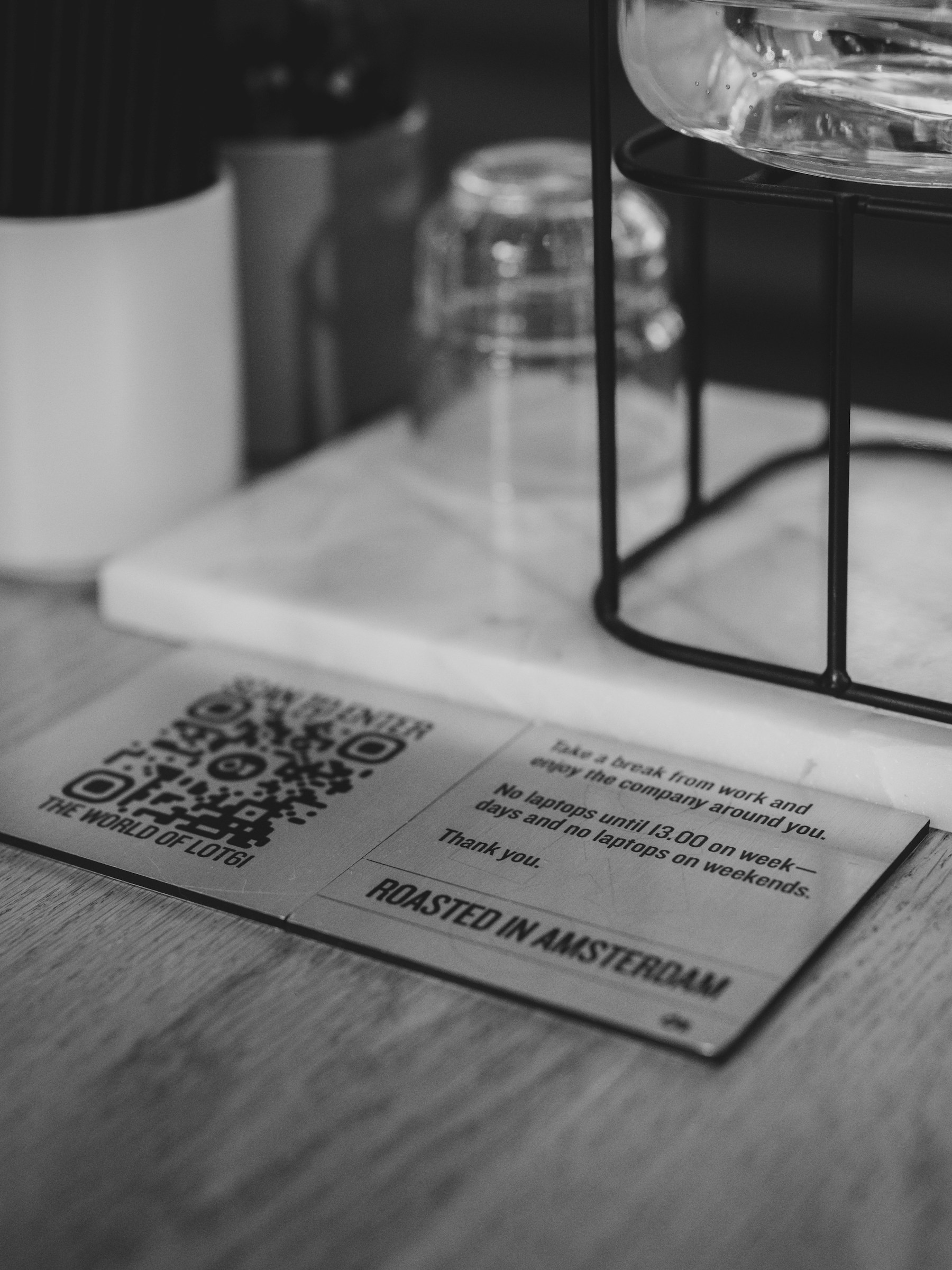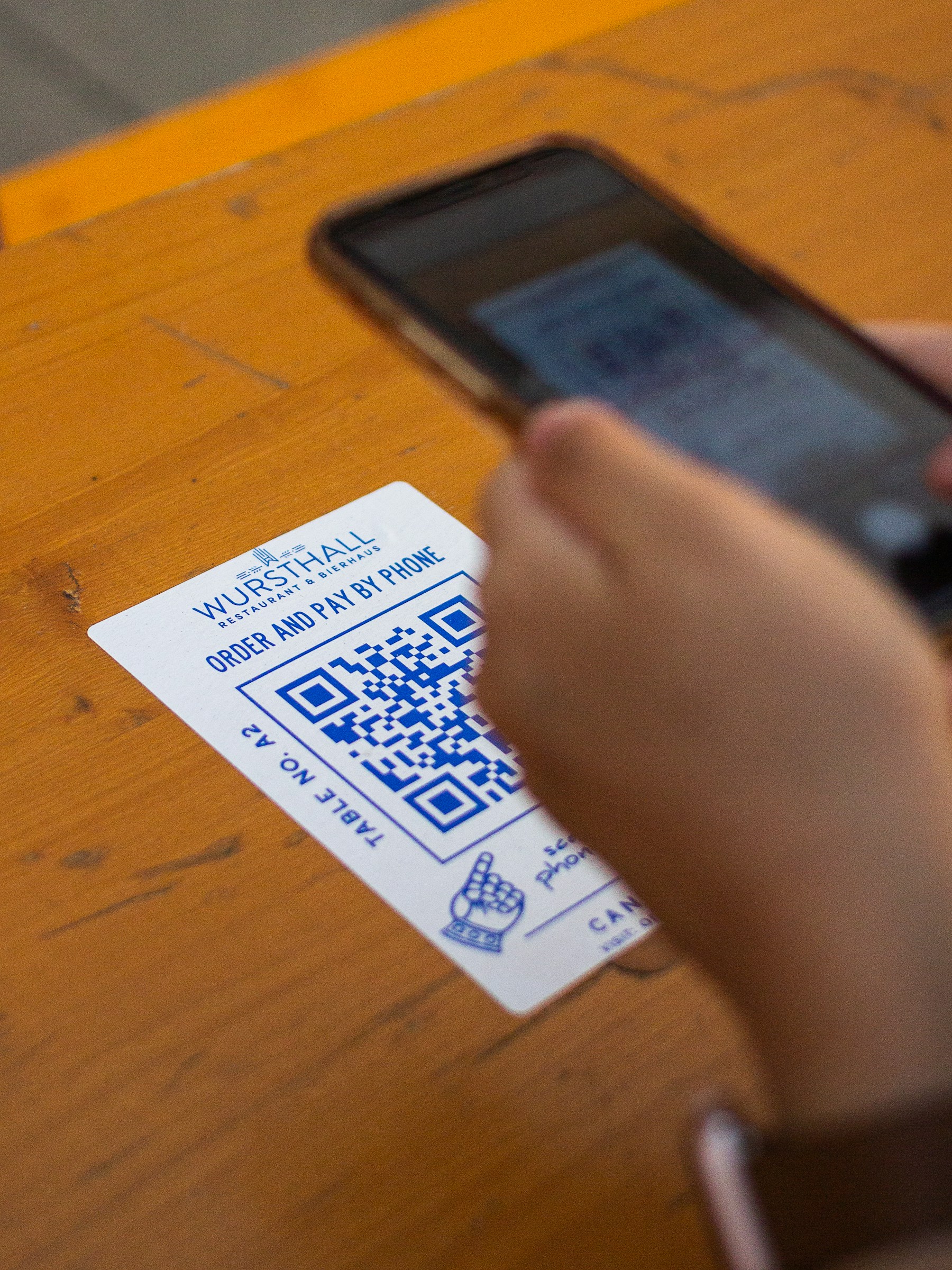
A location QR code opens a map link when someone scans it. It is useful on an appointment card, delivery note, shop flyer, or visitor invitation: the person can open your destination without typing an address.
The important part is choosing the correct place before creating the code. A pin in the middle of a large building may be accurate on a map but leave a visitor looking for the entrance.
Start with a public location link
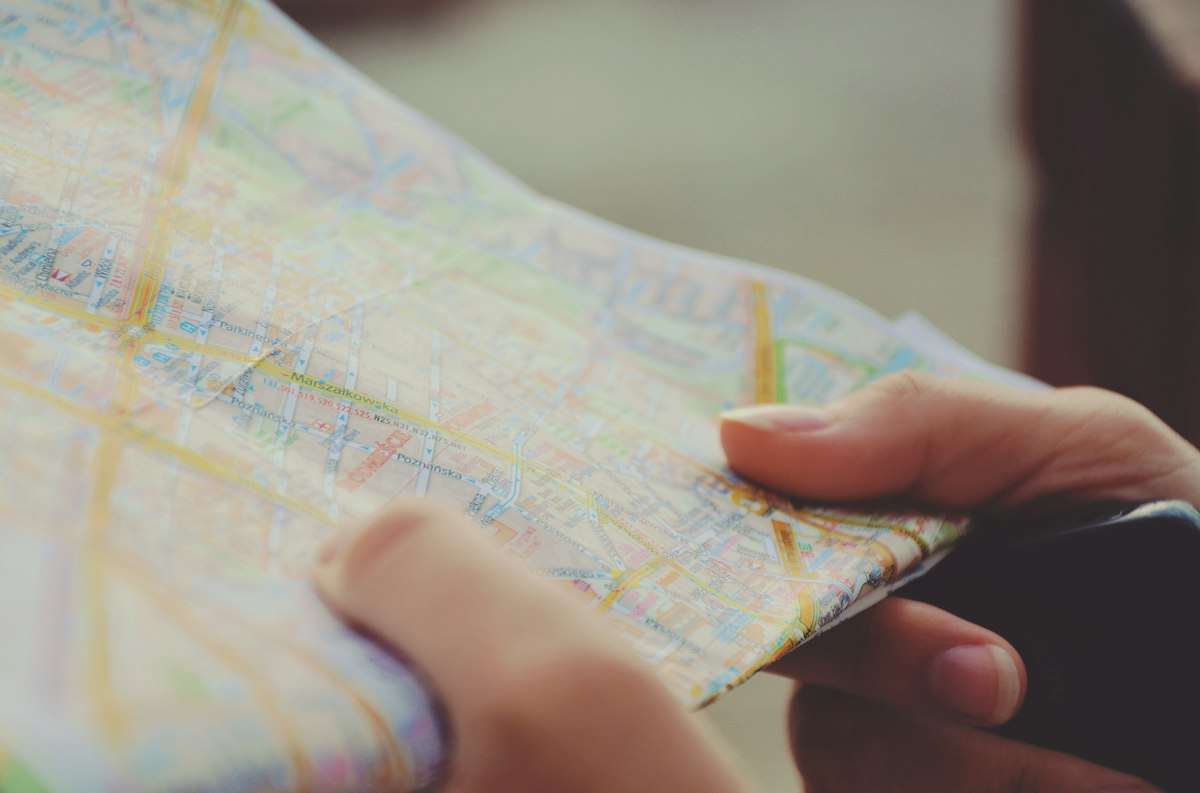
Find your business or the intended public place on the map you use. Check the name, address, and pin. Use its sharing option to copy the place link rather than copying a screenshot. Google's map-sharing guidance explains the available link-sharing options.
Open the copied link in a signed-out browser. Does it show the right branch? Is there a useful entrance note? If you have two shops with similar names, check the street as well as the business name.
Turn the link into a QR code
- Copy the public destination link.
- Open YouQR's URL QR code generator and enter that link.
- Create the code and download the image.
- Add a short caption, such as “Scan for our shop location.”
- Scan the finished design with another phone before printing the full batch.
For example, a repair shop could put a location QR on its collection receipt. A customer returning for their appliance can open the same branch location, while the receipt still shows a written address for anyone who prefers it.
Make the destination easy to act on
A map link helps someone find a place; it does not explain every arrival detail. Keep the building name, floor, or public entrance instructions beside the code when they matter. Avoid putting a private home address on a public flyer without the person's agreement.
A location QR also does not track a visitor's live position or guarantee a particular route. It opens the destination you selected. If you need to change that destination later, understand the difference between static and dynamic QR codes before committing to print.
Frequently asked questions
Can I make a QR code for a map location?
Yes. A QR code can open the public place link. Test the link independently first, then test the code.
Should I use a place link or a directions link?
A place link lets visitors choose their own starting point. Use a directions link only when its route and starting point fit the intended audience.
Can one QR code open all my branches?
It can open a branch-list page if you have one. For a branch-specific card, a direct link to that branch is usually clearer.
Does this replace the written address?
Keep both where possible. A readable address remains useful when someone cannot scan or has no connection.