YouQR

QR Codes on Food Packaging: What Information Should You Share?

A QR code on food packaging can open a maintained page with information about the product. A useful starting point is the question a customer might ask after picking up the pack: which product is this, where can I read the approved information, and how do I contact the producer?
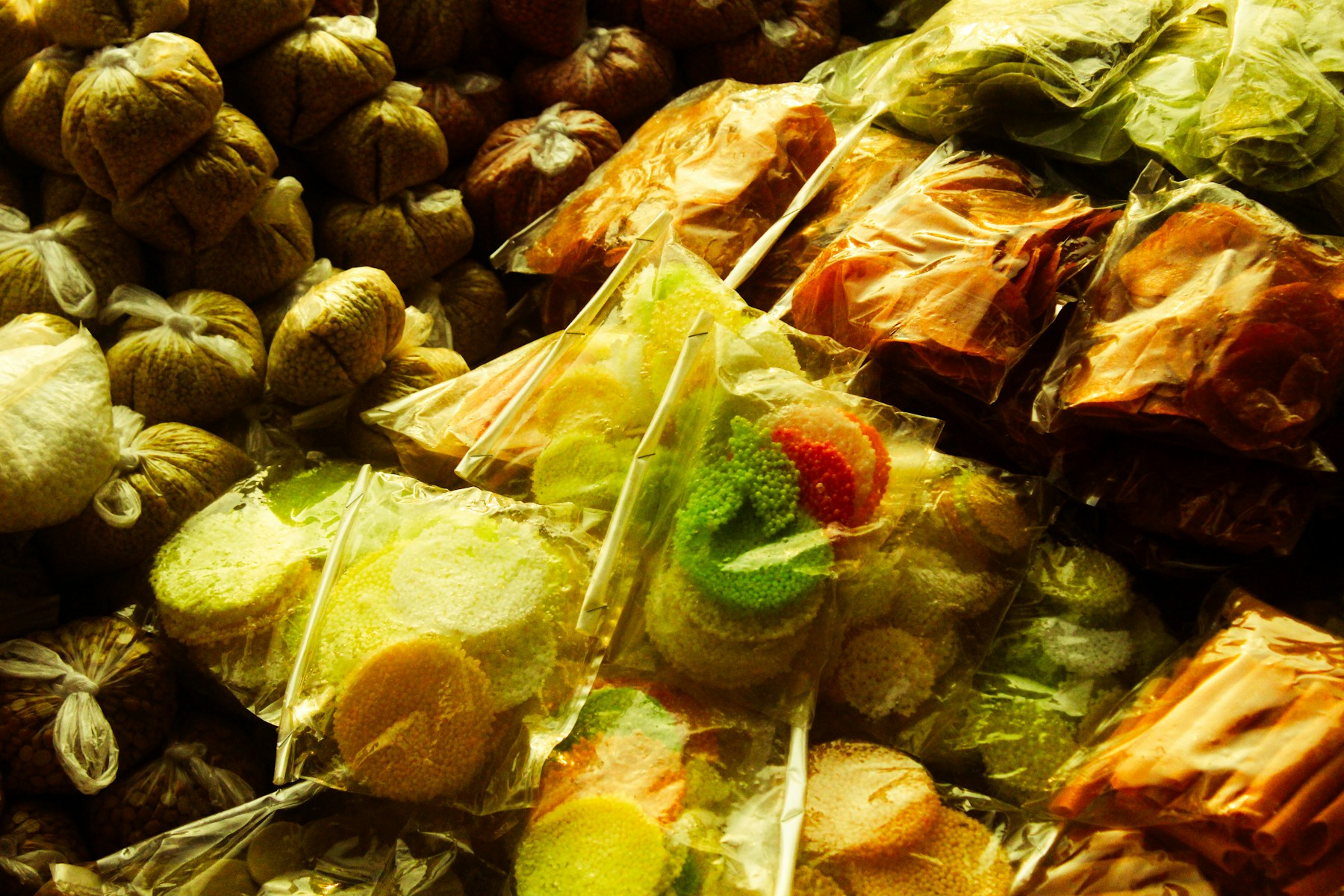
Colourful packaged sweets displayed together at a food stall
Packaged food provides context for links to clear product information. Photo by Saravanan Narayanan on Unsplash.

Imagine a small packaged-snack producer. Its QR could open the page for that exact snack and pack variant, with readable product details and the producer's contact route. This is a planning example, not a claim about a particular business or its results.

Keep one dependable product record

Use the information approved by the people responsible for the product. Confirm that the page matches the pack, flavour, size and version in the customer's hands.

Suitable supporting content may include a product description, a readable copy of approved label information, preparation information supplied by the producer, and contact details. Do not generate nutritional values, shelf-life advice, allergen statements or safety assurances from assumptions.

Be precise about what the code provides

A web link does not by itself verify ingredients, certify a product, identify an individual pack, or prove an unbroken supply chain. If you describe batch-specific information, check that you really maintain a matching batch record and that the QR opens it.

Keep legally required packaging information where it belongs and obtain appropriate review before making compliance claims. This article describes a supporting digital-information workflow, not a replacement labelling policy.

Build the page before the print run

  1. Choose the exact product and approved information.
  2. Prepare a public page that works on a phone.
  3. Use YouQR's QR generator to create a code for that page.
  4. Add a clear caption, such as “Product information and contact.”
  5. Test the finished pack and destination before printing more.

For multiple products, a URL-list batch can help create the codes, while your own product-to-page record keeps the outputs matched correctly. Printing several codes does not create or validate their content.

Frequently asked questions

Should every flavour open the same page?

Only if the page clearly identifies and accurately covers each variant. Separate information where product details differ.

Can the QR replace the printed label?

Do not assume that. Have the responsible specialist check applicable labelling requirements for the actual product and market.

Can I claim traceability because each pack has a QR?

A code is only one connection point. Traceability claims need a verified identification and record-keeping process.

What if the information changes?

Review the affected products, packs and pages together. Maintain access to the information relevant to products already distributed.
You may also like reading

Smart Label QR Codes: Connect a Product to Useful Information

Smart Label QR Codes: Connect a Product to Useful Information

A smart label QR code links a physical label to digital information. That might be a product guide, a document, or a support experience. Calling a label “smart” does not tell you what it actually does, so start with the action a scan should enable. Product tags illustrate the physical label behind a digital information link. Photo by Haberdoedas on Unsplash . For example, an equipment supplier cou

Read more →
QR Codes on Insurance Documents: What They Do and How to Add One

QR Codes on Insurance Documents: What They Do and How to Add One

If you have received an insurance policy recently, you may have noticed a small QR code printed somewhere on it. Scan it and you are taken directly to a digital version of the document, a verification page, or a summary of your cover. Several insurance regulators have started requiring this, and the logic is straightforward: a printed page has limits, but a QR code printed on that same page can li

Read more →

Fake and Tampered QR Codes: What to Check Before You Scan

QR codes work because they remove friction. You point your camera, tap the link, and you are there. That speed is exactly what makes them useful for businesses -- and occasionally, useful for people with bad intentions. Fake or tampered QR codes have appeared on parking meters, public noticeboards, event signage, and unsolicited flyers. From the outside, the code looks like any other grid of black

Read more →
QR Codes on Clothing Labels: Share Care and Product Information

QR Codes on Clothing Labels: Share Care and Product Information

A QR code on a clothing label can open a page about the garment: care instructions, fabric details, size information, or a contact route. The useful part is choosing information someone needs while holding that particular item. Clothing labels provide a familiar setting for product-information links. Photo by TuanAnh Blue on Unsplash . Consider an illustrative linen-shirt brand. Its hangtag could

Read more →
QR Code Stickers and Labels: From Design to Placement

QR Code Stickers and Labels: From Design to Placement

A QR code sticker adds a scannable destination to something you already have: packaging, a counter display, a product guide, or a storage label. YouQR supplies the digital code; printing and applying the physical sticker are separate steps. Start by deciding what a person should achieve after scanning. A sticker on a product box might open setup instructions. A sticker at a shop counter might open

Read more →
QR Code Sticker Size: Choose, Print and Test Yours

QR Code Sticker Size: Choose, Print and Test Yours

The right QR code sticker size depends on how people will scan it. A handheld product label and a notice viewed across a counter need different treatment. Choose the size around the use, then test a finished sticker on the intended surface. Also distinguish the sticker's total dimensions from the space used by the QR pattern. Your label needs room for the pattern, its clear margin, and any caption

Read more →